
Adding a Code Block to Gutenberg- WordPress 5.0

Adding a Code Block to Gutenberg- WordPress 5.0

by | Dec 11, 2018

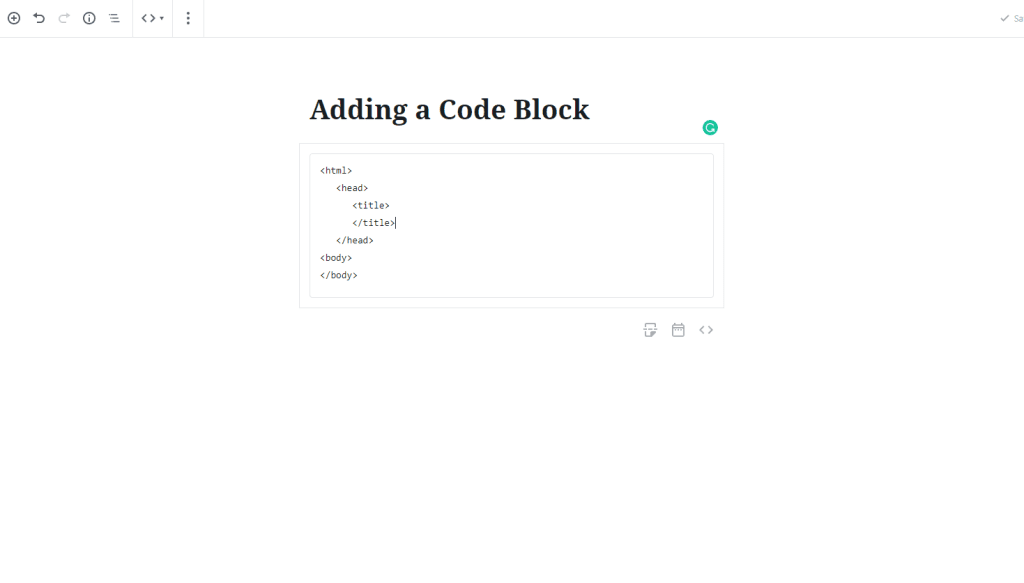
There may be some times when you want to show some computer code to your readers.  In the past that may have been hit or miss because the code may have executable instructions in it that would make the formatting inconsistent. 

The Code Block in Gutenberg allows you to add code to your content without worrying about weird formatting or execution issues.

Step 1 – Choose the Code block from the block selector by searching or going to the formatting category.
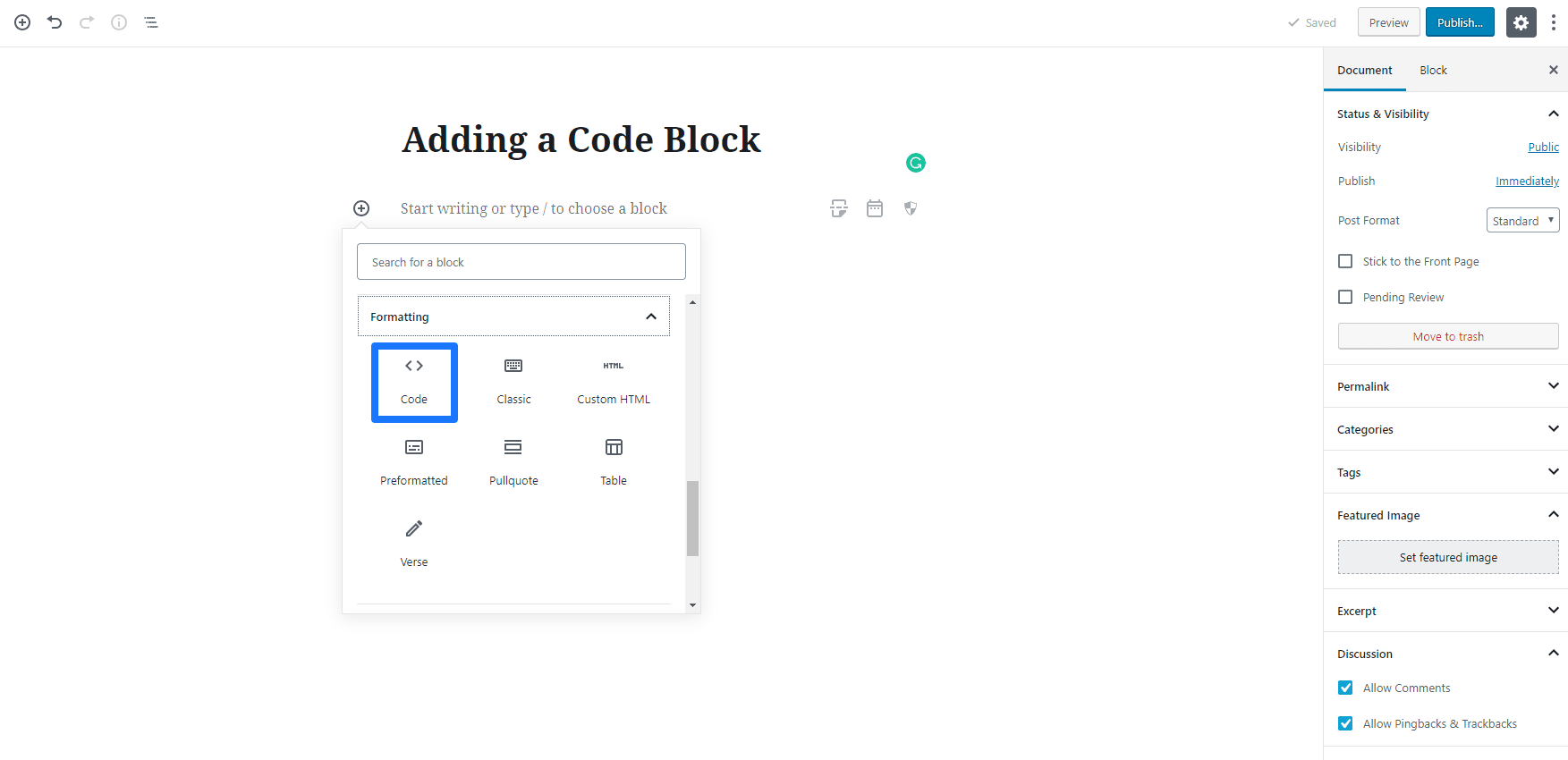
code block

Step 2- You can now add the necessary code to your block.
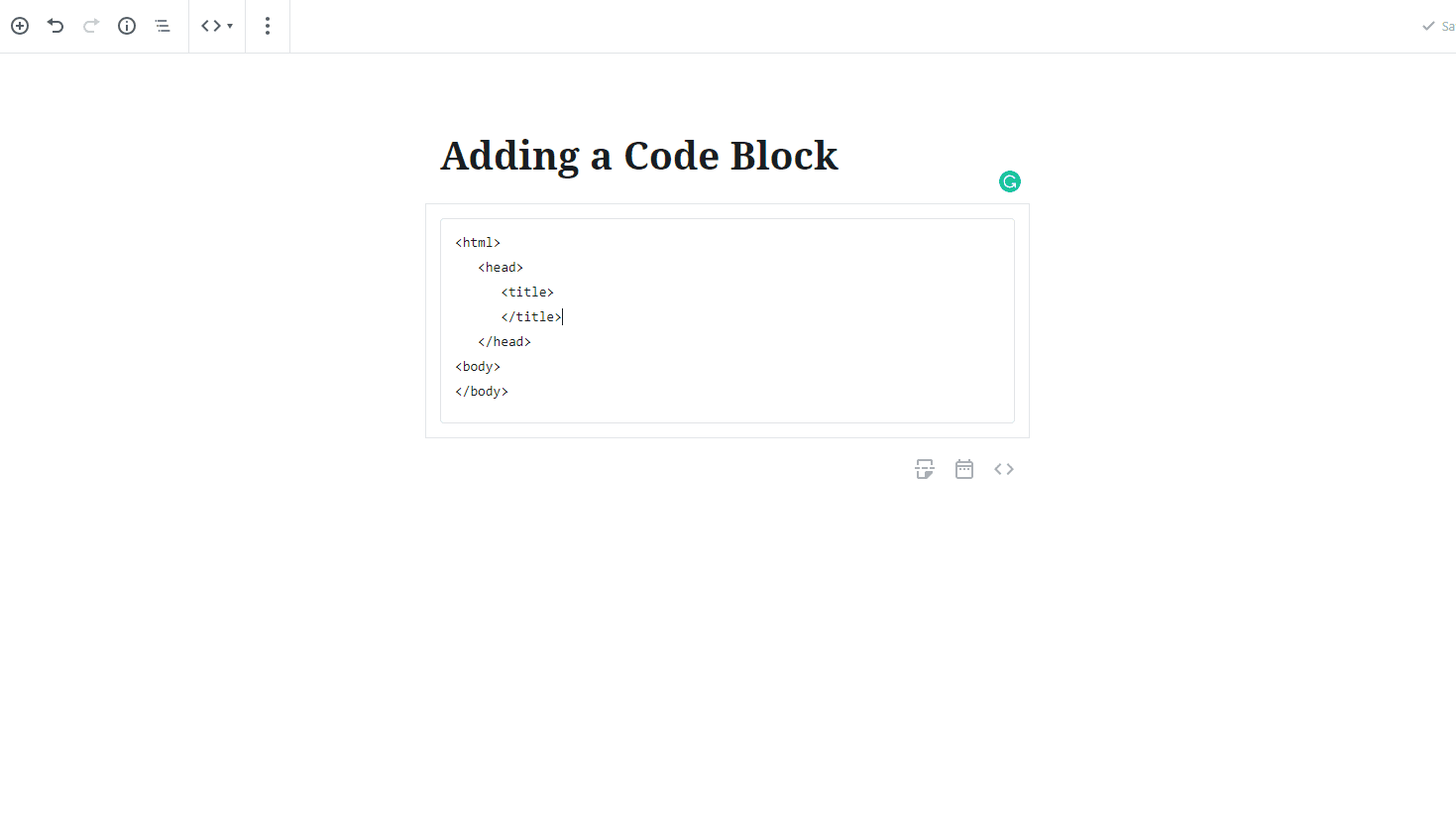
Code

Related posts:


Copyright ByRivers Tech LLC/ WP-Tutoring.Com All Rights Reserved.

  • This field is for validation purposes and should be left unchanged.
  • Get Expert WordPress Help Right Now!

  • Please enter your phone number so we can fully discuss your needs.
Get the latest in WordPress Training & News

NEW!! Download the Updated 2025 PDF Free!

The Best WordPress Hosting on the Planet!

Access Our WordPress Training Academy Videos

View our FREE WordPress 6.4 Course.  Learn about the exciting new features available in this release!