
There are different types of date format which we can use in our WordPress site. The steps are given below:
Setting the Date Format in WordPress
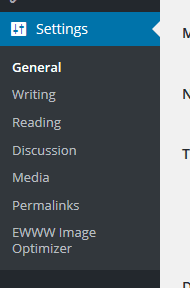
STEP 1 : To set up the date format, go to Settings > General menu in the WordPress Dashboard.
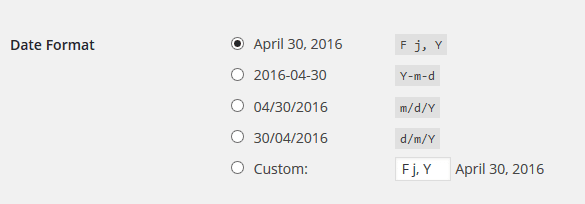
STEP 2 : You’ll see Date Format radio options where you can select your preferred date format.
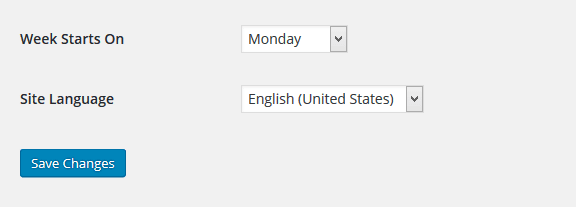
STEP 3 : Click Save Changes to save the date format.


Copyright ByRivers Tech LLC/ WP-Tutoring.Com All Rights Reserved.
