
Setting the WordPress Admin email address

Setting the WordPress Admin email address

by | May 9, 2016

WordPress admin email the place where all the site status or notifications are sent. We can easily set up the admin email by following the steps below:

Setting the WordPress Admin email address

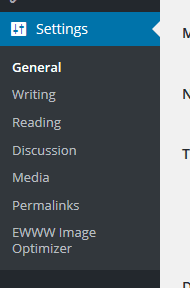
STEP 1 : To update the site title, go to Settings > General menu in the WordPress Dashboard.
Admin email address

STEP 2 : You’ll see Email Address field where you need to add the admin email address.

WordPress Tutorial - Setting the WordPress Admin email address

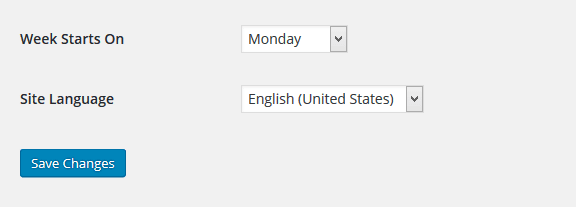
STEP 3 : Scroll down and click Save Changes to save your updated tagline.
Add new page

Related posts:


Copyright ByRivers Tech LLC/ WP-Tutoring.Com All Rights Reserved.

  • This field is for validation purposes and should be left unchanged.
  • Get Expert WordPress Help Right Now!

  • Please enter your phone number so we can fully discuss your needs.
Get the latest in WordPress Training & News

NEW!! Download the Updated 2025 PDF Free!

The Best WordPress Hosting on the Planet!

Access Our WordPress Training Academy Videos

View our FREE WordPress 6.4 Course.  Learn about the exciting new features available in this release!