Step 1Hover your mouse over the Add Block icon (the plus sign in the upperleft hand corner within the Gutenberg...
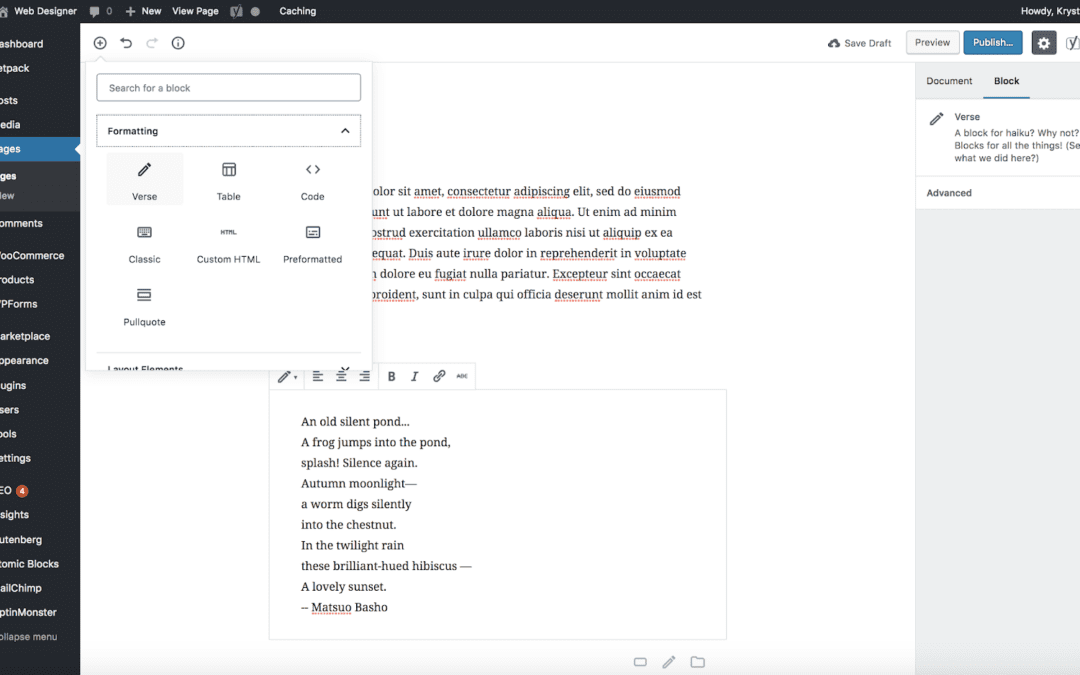

Step 1Hover your mouse over the Add Block icon (the plus sign in the upperleft hand corner within the Gutenberg...
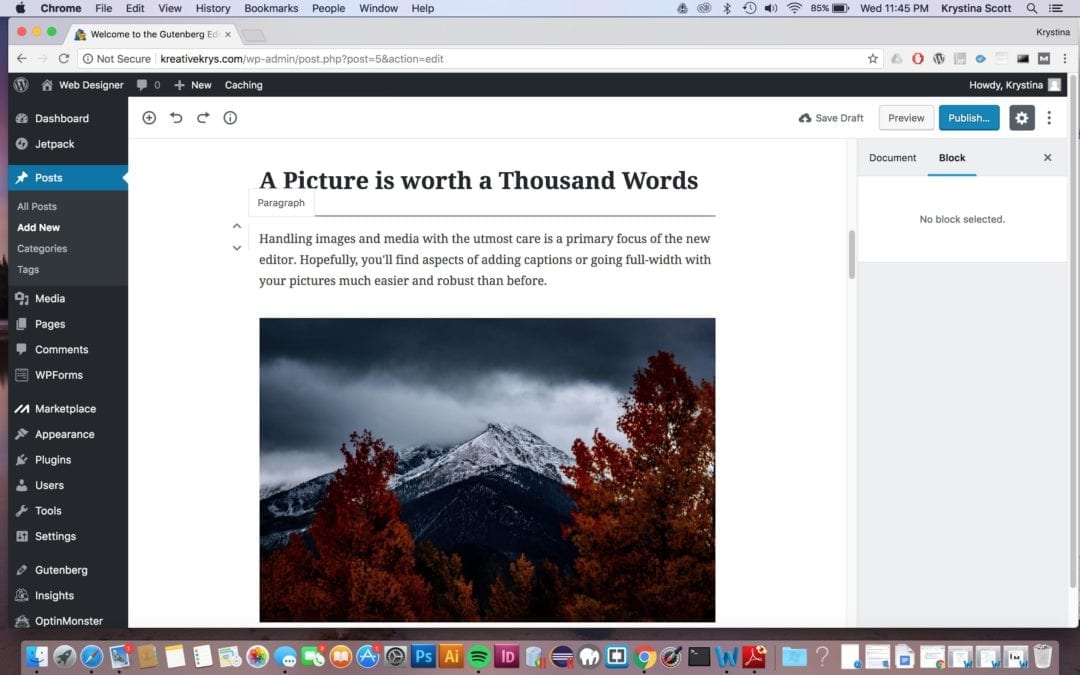
Step 1First hover your cursor over the block you would like to move. When you hover a block, you will see arrows on...
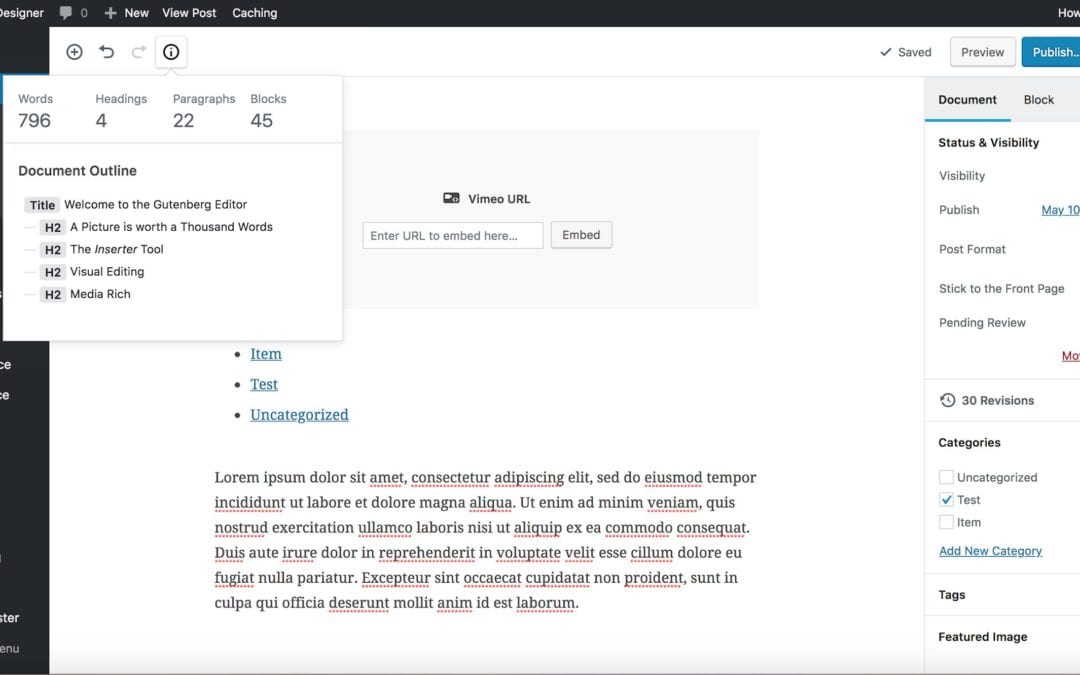
Step 1Hover your mouse over the information icon(the circle with an “i” inside of it.). When you click on it, you will...
The page you requested could not be found. Try refining your search, or use the navigation above to locate the post.
View our FREE WordPress 6.4 Course. Learn about the exciting new features available in this release!